01System8 actions · 1 group
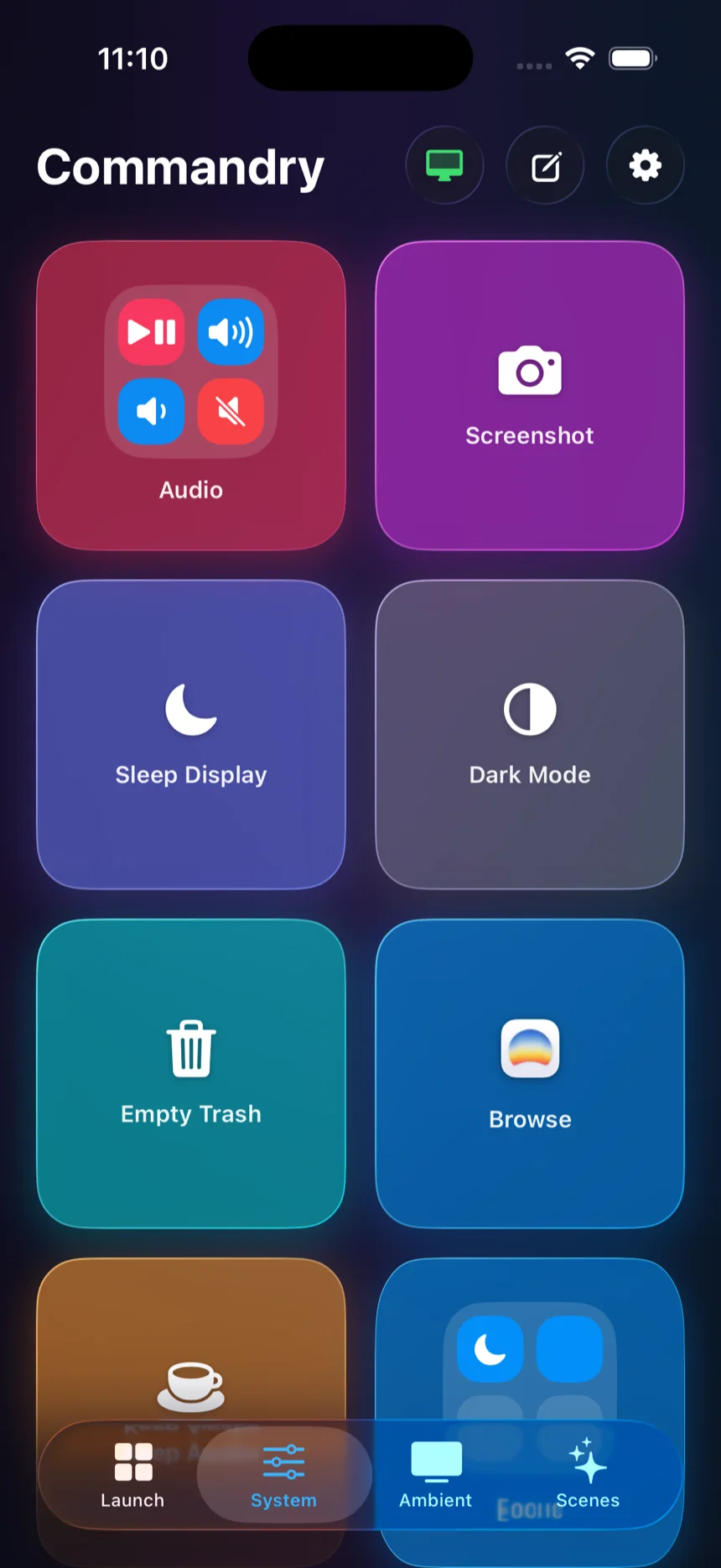
The practical controls you reach for all day, with a four-control Audio Group nested into one tile.
Your Mac, one tap away
Commandry turns the things you do every day into a beautiful, one-tap deck — with a community directory full of ideas to borrow.
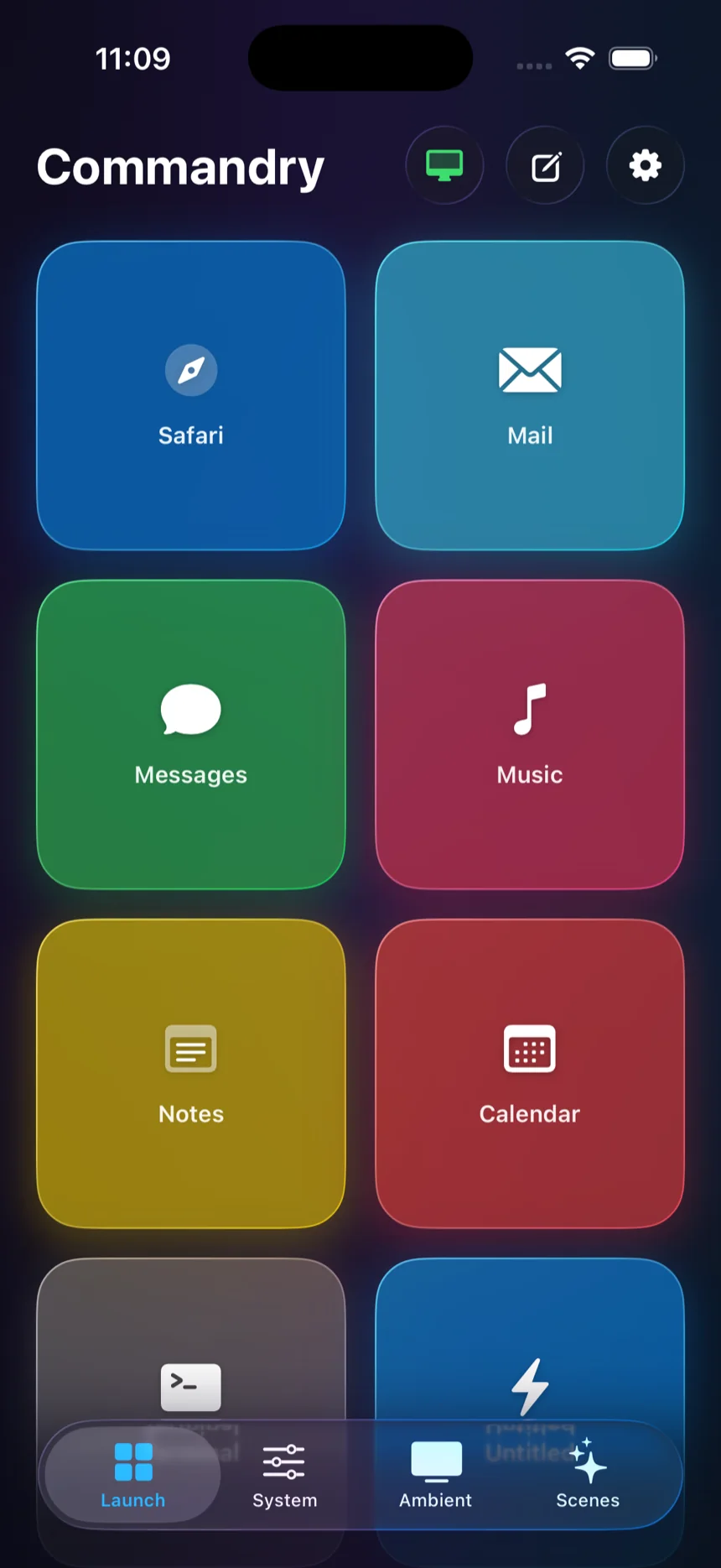
Open apps, run scripts, and control your Mac from the device already in your hand.
Actions stay on your local network. No account, cloud runner, or remote middleman.
Start thoughtfully, then borrow tiles and groups from the community.
Commandry lives on your iPhone or iPad and works your Mac from across the room. It is simple enough to disappear — until you need it.
Launch your tools. Start the timer. Reset the room. A tile is a small surface for a real command, not another thing to manage.
See how it connects ↗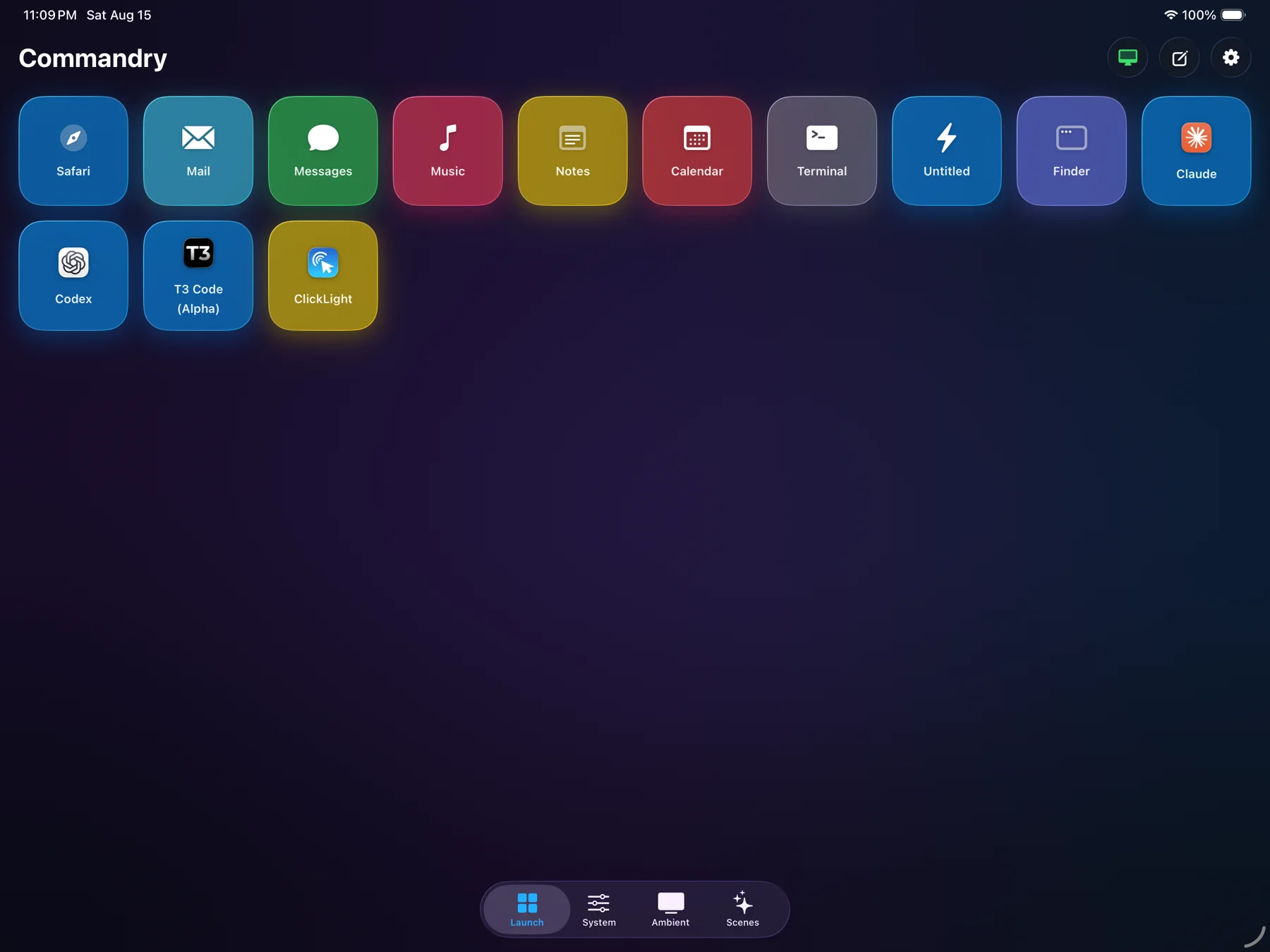
Every page below is a real Commandry deck. Use pages for contexts and Groups when several controls belong together.
The practical controls you reach for all day, with a four-control Audio Group nested into one tile.
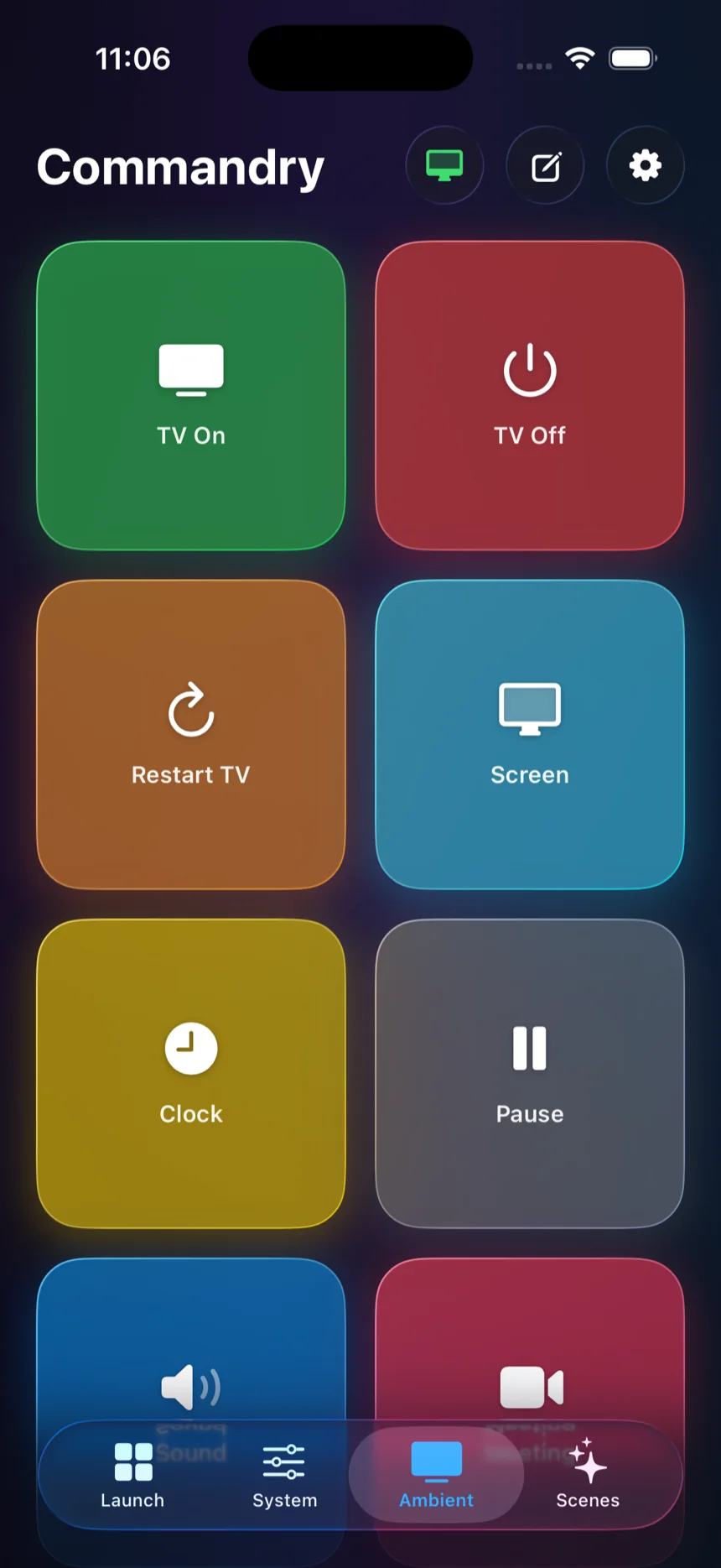
Room controls, media, and meeting prep collected into a deck that works from across the room.
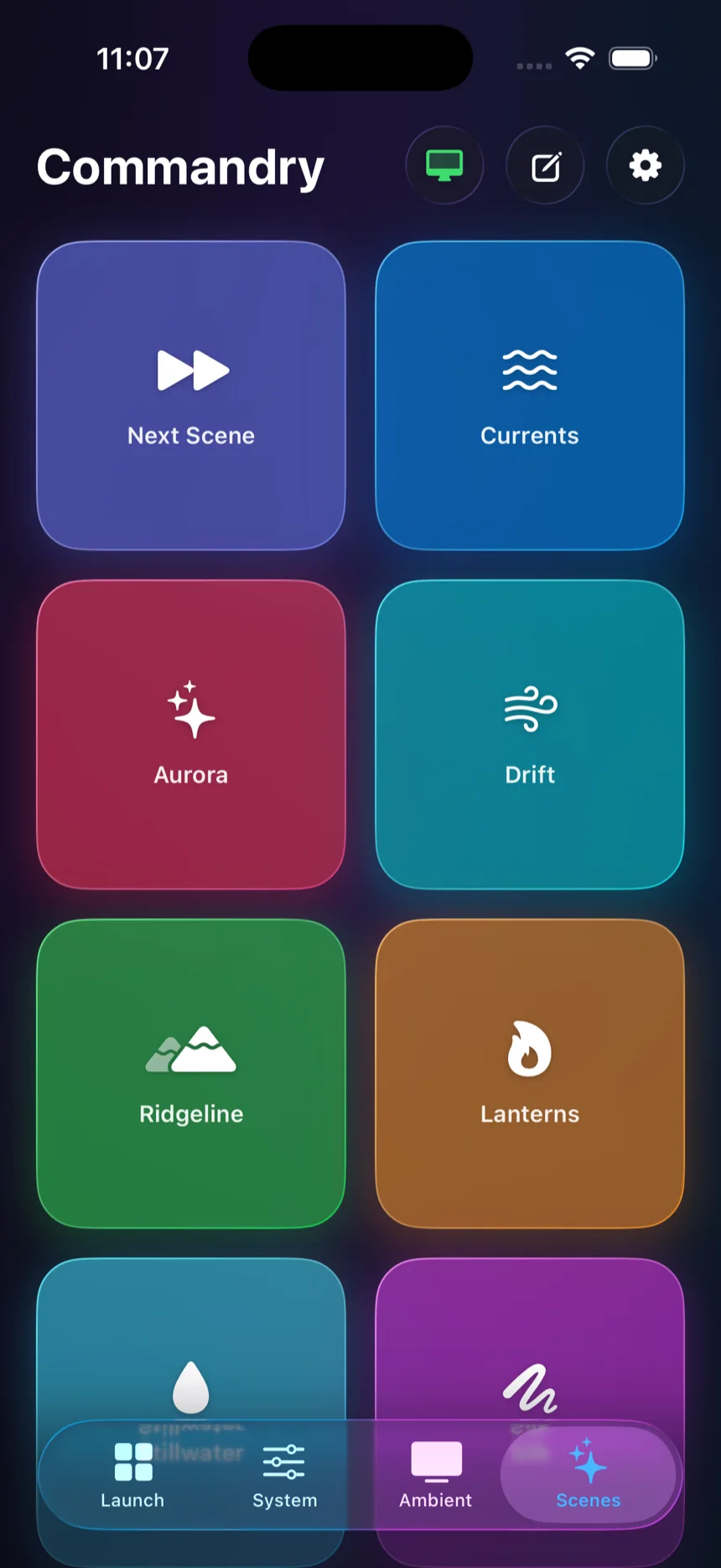
A purpose-built set for changing the whole atmosphere without hunting through apps or menus.
Pair once on the same Wi-Fi, build the deck that makes sense to you, then tap whenever you need it.
Install the lightweight Mac companion and connect Commandry over your local network.
Start with useful defaults, create your own tiles, or preview an idea from the community.
Your Mac runs the action and sends live state back to the deck in your hand.
Commands run on the Mac you paired. There are no Commandry accounts and no cloud execution.
Browse community-made Tiles for the little things and Groups for the way you work. Preview every action before it reaches your deck.
9 ideas
A four-tile ritual for getting into the work.
A calm command center for design sessions.
Jump straight into the canvas.
Mute, unmute, and reset your output in one tap.
Everything you need before the call starts.
A tiny remote for the music that keeps you moving.
Everything you need to get into the work.
Collect the commands that belong together, give them a name, and share the whole ritual. Someone else can preview it, adapt it, and make their deck better in seconds.
Morning setup, meeting prep, deep work — give each one a home.
The recipient sees every action before adding the group.
Commandry is coming to iPhone and iPad. Join the beta list for release updates and a first look at the community directory.
No noise. Just release news and useful ideas.